

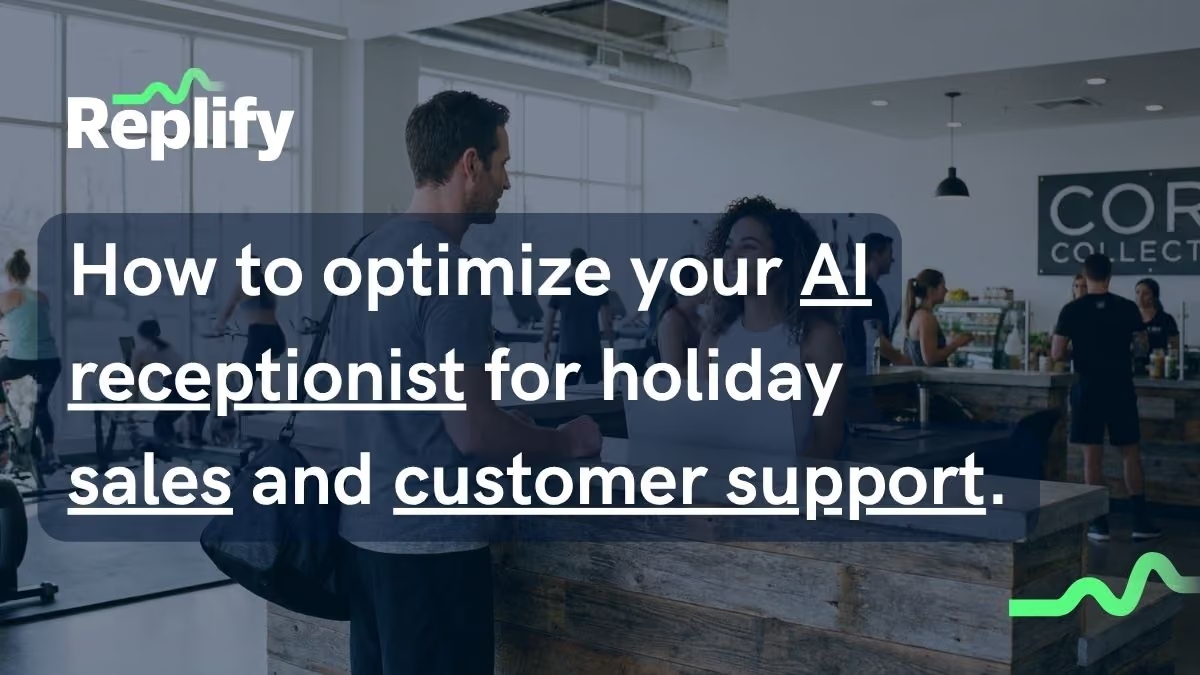
Holiday weekends like Memorial Day are some of the highest-intent windows in the fitness calendar, and they're also when most gyms answer the fewest calls. Your team is off, your hours have changed, and your phone keeps ringing with members checking your schedule and leads asking about memberships. To capture that demand instead of losing it, we pulled from our top operators like Gold's Gym, UFC Gym, and F45 Training on three core items your AI receptionist needs configured before the weekend: an hours inquiry protocol, a knowledge base entry with your holiday hours, and a proactive campaign to your contact list. Each takes about two minutes to set up, and the protocol only has to be built once.
Here's how to do all three, and why it matters more than most operators realize.
Beyond Hours, Holidays Are a Revenue Opportunity for your Business Locations
Most operators think about holiday hours as a customer-service detail. It's actually a sales and retention issue.
When we secret-shopped 105 fitness facilities in early 2026, only 31% answered the phone on a normal business day. None were using AI to handle calls, 79% never collected the caller's contact information, and 88% had no follow-up. On a holiday weekend, with staff off and front desks unmanned, those numbers get worse.
The cost of those missed calls is higher during holidays because holidays are exactly when buying intent spikes. Long weekends give people the time and motivation to act on fitness goals. According to The Fitness Membership Divide (Datagonist/FIT-C, Q1 2026, n=2,500), there are 26.5 million likely rejoiners sitting outside the membership base, and the median membership runs $85 per month. A single missed call from a rejoiner on Memorial Day weekend is potentially a thousand dollars of annual recurring revenue walking to the competitor who picked up.
The support side carries risk too. If your assistant doesn't know your hours changed, it tells callers you're open when you're closed. Members drive to a locked door. Cost is already the number one reason members cancel (34%), and a wasted trip on a holiday is the kind of friction that pushes an on-the-fence member toward the door.
An AI receptionist built for fitness solves both sides at once: it captures the high-intent holiday lead and it gives members accurate information so nobody gets turned away. The catch is that it can only do that if it knows your holiday schedule. Here's how to set that up.
Step 1: Build an Hours Inquiry Protocol
An hours inquiry protocol is a behavior rule that tells your AI assistant to check for holiday or special hours before defaulting to your regular schedule. It's the single most important configuration for handling any holiday, and you only build it once.
Without it, your assistant stores your standard hours and serves them up to every caller. That works 51 weeks a year. The other week, it gives the wrong answer to everyone who asks.
Hours Inquiry Protocol for Your AI
If you're following along with the video, here is the exact rule to add to your assistant's core behavior:
HOURS INQUIRY PROTOCOL:

When someone asks about hours using ANY time reference (today, tomorrow, next week, this week, Monday, etc.):

First determine what specific dates they're asking about
Search knowledge base for "holiday hours" or "special hours" for those dates
If special hours exist, provide those instead of regular hours
If no special hours found, provide regular hours
Copy and paste this directly into your core custom rules. You can use the bulk edit feature in the Manage Assistants tab to apply it to all of your assistants at once.
The phrasing matters. People rarely ask "what are your Memorial Day hours." They ask "are you open Monday" or "can I come in this weekend." A good protocol catches every time reference and checks for a holiday entry first. If someone asks about "next week" in late December, that almost always means Christmas or New Year's week, and the protocol routes them to the right answer.
In Replify, you add this as a custom rule and push it to every one of your assistants at once using the bulk edit feature in the Manage Assistants tab. Set it once, and every holiday for the rest of the year is handled.
Log in to your Replify account to make these edits. Not a Replify user yet? Book an AI receptionist demo to learn more.
Step 2: Add Your Holiday Hours to the Knowledge Base
Once the protocol is in place, give it something to find. Create a knowledge base entry with your specific hours for the holiday.
Be explicit inside the entry. Name the holiday, the date, and the hours for each location:
Memorial Day, May 26: Downtown closed. Westside open 8am to 12pm. All other locations closed.
For multi-location operators, you have two options. Use one shared entry that covers every location, or create a separate entry per location when schedules differ. The key detail most people miss: your assistant reads the content inside the entry, not the title of the knowledge set. A title like "Holiday Hours" tells the assistant nothing. The hours spelled out inside the entry are what it actually uses to answer.
In Replify, a single knowledge entry can be assigned to multiple assistants, so a five-location operator updates once instead of five times.
Step 3: Push an AI Holiday Campaign
The first two steps make your assistant ready to respond. This step makes it proactive.
Instead of waiting for members and leads to call, send a text campaign ahead of the weekend with your holiday hours and any promotion you're running. This does two things at once. It cuts down the volume of inbound hours questions, and it puts your offer in front of high-intent contacts at the exact moment they have time to act.
This is where the sales angle pays off. A "Memorial Day special" text to your lead list and lapsed members reaches the rejoiner segment directly. Given 65% of current members already use digital fitness tech weekly, your audience expects to hear from you on their phone, and a well-timed text converts contacts who have been sitting on the fence.
In Replify, set this up in the Campaign Manager tab, write your message, and schedule it to send before the weekend.
How to Handle Holiday Promotions with your AI employee
If you're running a holiday offer, add it to your knowledge base the same way you add hours. Include the offer name, terms, dates, and any conditions.
This closes the loop on every inbound call. When a lead asks "do you have any deals right now," your assistant gives them the real offer instead of going silent or falling back to a generic response. That's the difference between converting a high-intent caller and handing them to the gym down the street that happened to pick up.
What Multi-Location Operators Should Do Differently with their AI Agents
Single-location gyms can update one assistant by hand. Multi-location operators can't, which is where most holiday prep breaks down.
The operators who get this right treat configuration as a bulk action, not a per-location chore. Build the hours inquiry protocol once and push it to every assistant. Create holiday hours entries that can be assigned across locations. Schedule campaigns from a central manager. The goal is that prepping ten locations takes the same few minutes as prepping one.
Brands like Gold's Gym, UFC Gym, SWEAT440, F45 Training, and FS8 use Replify to manage this across their locations, so every call gets answered correctly whether it's a holiday weekend or a Tuesday afternoon.
After the Holiday
When the weekend is over, you don't rebuild anything. Deactivate the holiday hours entry and reactivate it next year, or update it in place for the next holiday on your calendar. The hours inquiry protocol stays live and keeps working. Each holiday after the first one is just a one-minute knowledge base update.
The Bigger Picture
Holidays are the most visible version of a problem that shows up any time something at your facility changes: new class schedules, temporary closures, seasonal hours, staffing gaps. Whenever your assistant works off outdated information, you're either losing a lead or frustrating a member.
The operators getting the most out of AI treat their knowledge base like a living document. A couple of minutes before each holiday means every call gets answered correctly, no member gets turned away at a locked door, and no high-intent lead slips through while your team is off.
If you want to see how Replify handles this across your locations, book a demo and we'll walk you through it.
Replify is the AI receptionist and sales platform built for multi-location fitness operators, trusted by Gold's Gym, UFC Gym, SWEAT440, F45 Training, FS8, and more. Learn more at replify.ai
AI Receptionist Holiday Hours Frequently Asked Questions
How do I set up my AI receptionist for holiday hours?
Configure three things: an hours inquiry protocol that tells your assistant to check for holiday hours before defaulting to your regular schedule, a knowledge base entry with your specific holiday hours, and an optional campaign to your contact list. In Replify, all three take about two minutes, and the protocol only has to be built once.
Why do holidays matter for gym lead capture?
Long weekends are peak buying-intent windows for fitness. With 26.5 million likely rejoiners outside the membership base and a $85 median monthly membership, a single missed holiday call can represent roughly a thousand dollars of annual recurring revenue. Most gyms answer fewer calls on holidays because staff is off, so the demand goes to whoever picks up.
What happens if I don't update my AI assistant for a holiday?
It defaults to your regular business hours and tells callers you're open when you're closed. Members drive to a locked door, and leads get bad information on their first interaction with your brand. You also miss every inbound sales call while your team is off.
Can my AI receptionist promote holiday deals?
Yes. Add the promotion to your knowledge base with the offer name, terms, dates, and conditions. When a lead asks about current deals, your assistant gives them the real offer instead of a generic response. You can also push the offer proactively with a text campaign before the weekend.
How do I update holiday hours across multiple gym locations at once?
In Replify, use the bulk edit feature in the Manage Assistants tab to push behavior rules and knowledge base entries to every assistant simultaneously. You can assign one shared holiday hours entry across locations, or create separate entries where schedules differ, so prepping ten locations takes the same few minutes as prepping one.
What is an hours inquiry protocol?
It's a behavior rule that tells your AI assistant to check for holiday or special hours whenever someone asks a time-related question (today, tomorrow, next week, a specific date). If a holiday entry exists, it uses that. If not, it falls back to regular hours. This stops your assistant from giving outdated schedule information during holidays.
Does Replify work for multi-location fitness operators?
Yes. Replify is built for multi-location gyms, health clubs, studios, and tanning salons, and is trusted by Gold's Gym, UFC Gym, SWEAT440, F45 Training, FS8, and more. Behavior rules, knowledge base entries, and campaigns can all be managed across every location at once.
Related Articles
Replify & ABC AI Agents Product Updates: Faster Inbox, Natural Voice Greetings, Redesigned Contacts
Replify, now part of ABC Fitness, shipped updates across Chatbot, Voice, Contacts, Inbox, and Connected Apps to make the platform faster for your front desk. See what's new.
.avif)
AI Receptionist and AI Sales Updates August 2026
Your AI receptionist and AI sales agents just got updated. Updates include editing live campaigns, faster setup, inbox management, and more
AI Case Studies at Gyms, Studios, and Health Clubs
Every AI receptionist and AI sales case study KPI in one place. 200+ gyms, studios, clubs, and salons.

Heading
Lorem ipsum dolor sit amet, consectetur adipiscing elit. Suspendisse varius enim in eros elementum tristique. Duis cursus, mi quis viverra ornare, eros dolor interdum nulla, ut commodo diam libero vitae erat. Aenean faucibus nibh et justo cursus id rutrum lorem imperdiet. Nunc ut sem vitae risus tristique posuere.
Heading
Lorem ipsum dolor sit amet, consectetur adipiscing elit. Suspendisse varius enim in eros elementum tristique. Duis cursus, mi quis viverra ornare, eros dolor interdum nulla, ut commodo diam libero vitae erat. Aenean faucibus nibh et justo cursus id rutrum lorem imperdiet. Nunc ut sem vitae risus tristique posuere.
Heading
Lorem ipsum dolor sit amet, consectetur adipiscing elit. Suspendisse varius enim in eros elementum tristique. Duis cursus, mi quis viverra ornare, eros dolor interdum nulla, ut commodo diam libero vitae erat. Aenean faucibus nibh et justo cursus id rutrum lorem imperdiet. Nunc ut sem vitae risus tristique posuere.
Heading
Lorem ipsum dolor sit amet, consectetur adipiscing elit. Suspendisse varius enim in eros elementum tristique. Duis cursus, mi quis viverra ornare, eros dolor interdum nulla, ut commodo diam libero vitae erat. Aenean faucibus nibh et justo cursus id rutrum lorem imperdiet. Nunc ut sem vitae risus tristique posuere.
Heading
Lorem ipsum dolor sit amet, consectetur adipiscing elit. Suspendisse varius enim in eros elementum tristique. Duis cursus, mi quis viverra ornare, eros dolor interdum nulla, ut commodo diam libero vitae erat. Aenean faucibus nibh et justo cursus id rutrum lorem imperdiet. Nunc ut sem vitae risus tristique posuere.
Heading
Lorem ipsum dolor sit amet, consectetur adipiscing elit. Suspendisse varius enim in eros elementum tristique. Duis cursus, mi quis viverra ornare, eros dolor interdum nulla, ut commodo diam libero vitae erat. Aenean faucibus nibh et justo cursus id rutrum lorem imperdiet. Nunc ut sem vitae risus tristique posuere.